3D printing generates a steady stream of scrap: failed prints, rafts, supports, and purge blocks. A professional plastic shredder converts that waste into uniform flakes for stable extrusion and better recycled filament quality.
If you are building a closed-loop workflow, start with equipment designed for consistent daily use, such as the Desktop 3D Print Shredder.
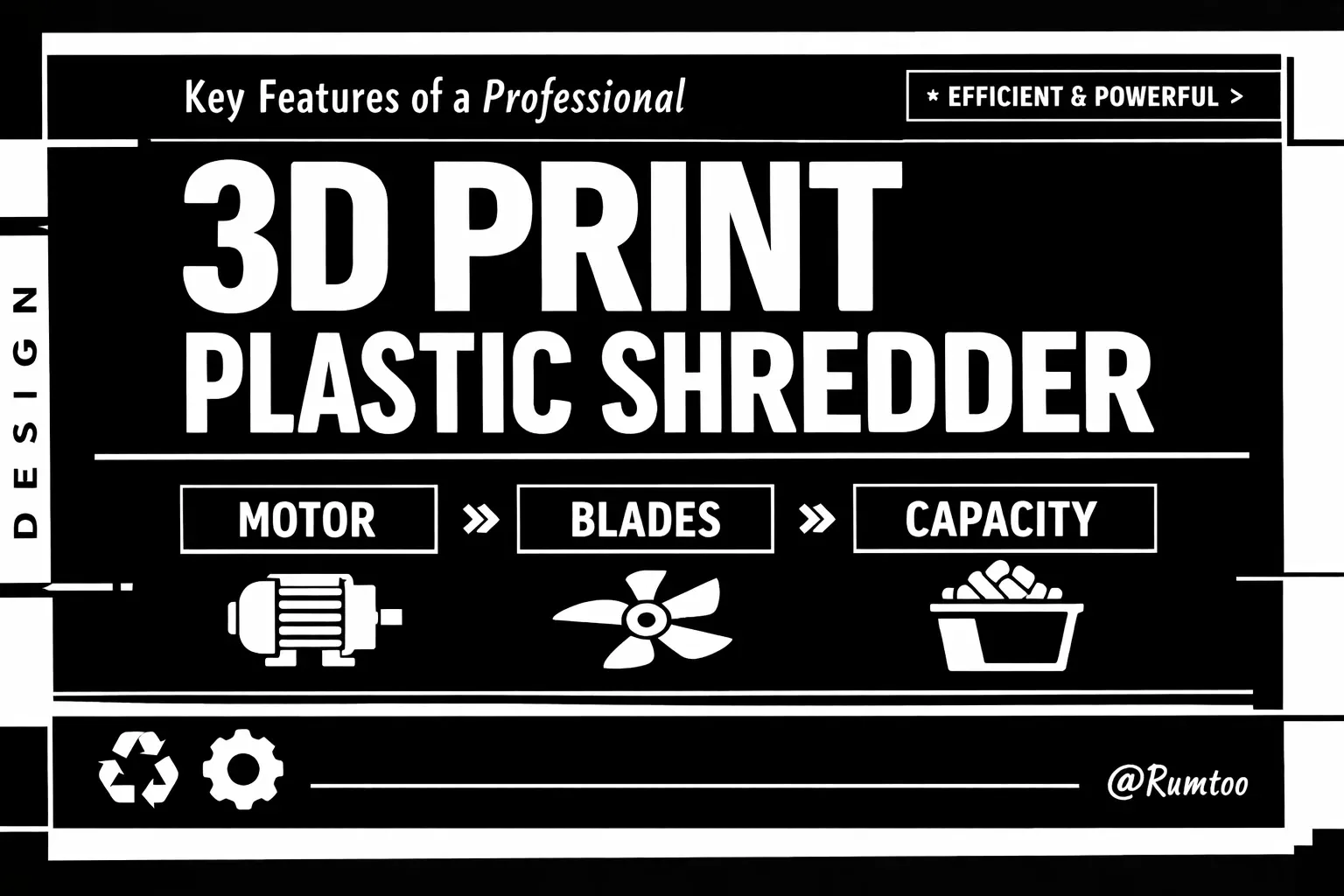
1. Motor: High Torque, Stable Operation
The motor is the performance core of any shredder. For 3D printing plastics, torque at low speed matters more than peak RPM.
- Prefer low-speed, high-torque drive systems for cleaner shearing and less heat buildup.
- Ensure overload protection and thermal management are included for long runs.
- Match motor power to material difficulty: PLA is easier, while PETG, ABS, and filled polymers require more torque.
A properly sized motor prevents stalling on dense parts and helps keep output size consistent.
2. Blades: Geometry and Steel Quality
Blade design directly affects flake quality and machine uptime.
- Choose hardened tool steel blades with strong wear resistance.
- Use blade geometries suited to your material behavior (brittle vs. ductile/flexible).
- Prefer reversible or replaceable blade systems to reduce maintenance downtime.
Keep blade edges sharp and clearances correct. Dull blades increase dust, raise current draw, and reduce extrusion stability.
3. Capacity and Throughput: Fit Your Real Workflow
Do not size a shredder based on occasional usage. Size it for real weekly waste volume and peak loads.
- Check both hopper size and hourly throughput.
- Confirm target output size (for example, flakes suitable for extrusion feed).
- Verify whether one-pass size control is possible with the installed screen setup.
Right-sizing throughput reduces bottlenecks and avoids overpaying for unused capacity.
Additional Features Worth Prioritizing
- Auto-reverse or anti-jam protection
- Safety interlocks on access points
- Easy-clean cutting chamber for material/color changeovers
- Low-noise design and dust control options
These features improve safety, uptime, and daily operator experience.
Quick Selection Checklist
- Define your waste types and weekly volume.
- Prioritize low-speed torque and blade durability.
- Verify throughput against peak, not average, loading.
- Confirm maintenance access and safety systems before purchase.
Choosing the right professional shredder helps you turn 3D print waste into reliable feedstock and reduce material cost over time. For a compact professional option, review the Desktop 3D Print Shredder.